

After deploying Bytebase successfully, you need to register accounts for your team members.

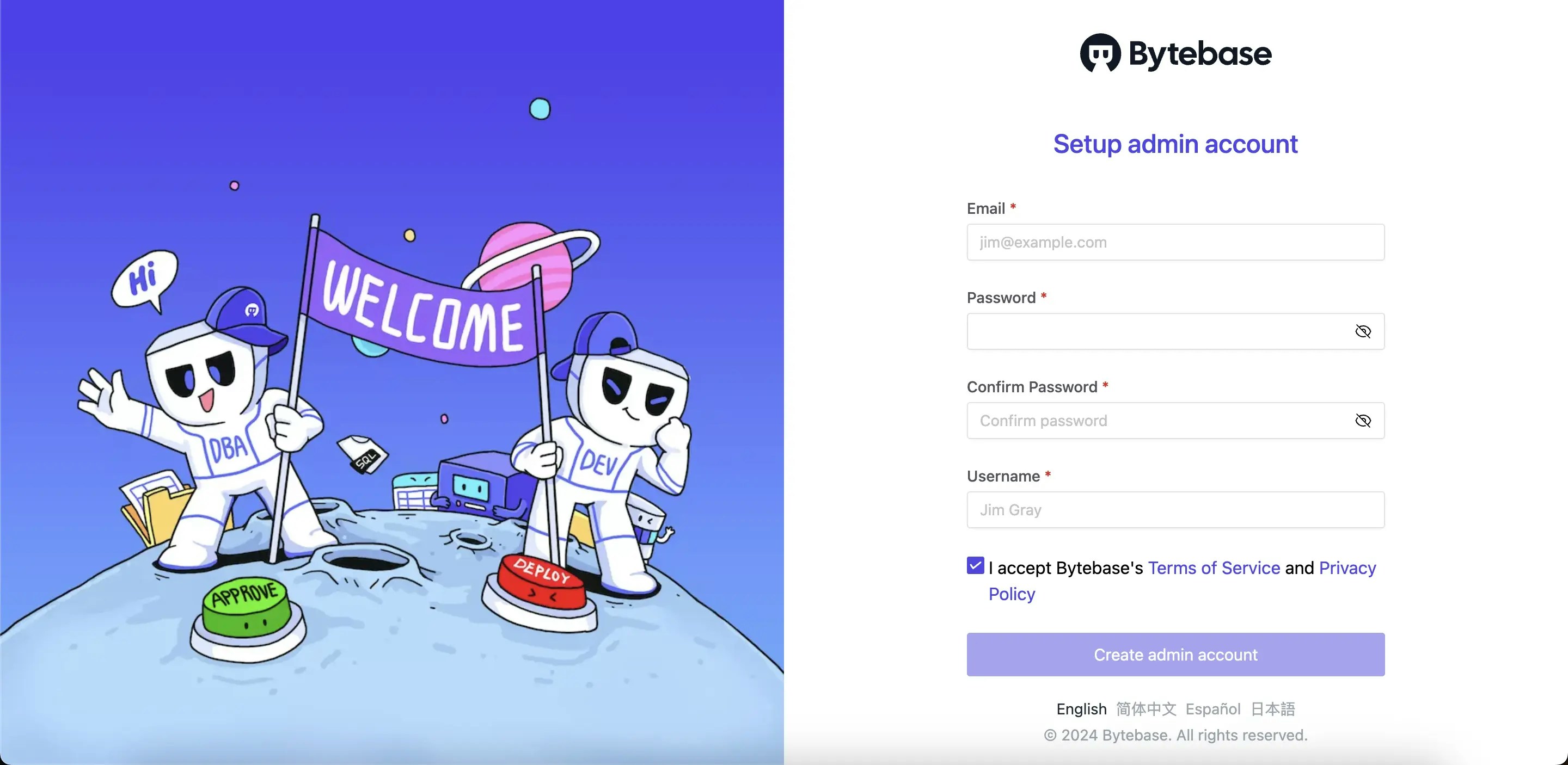
Create the first admin account

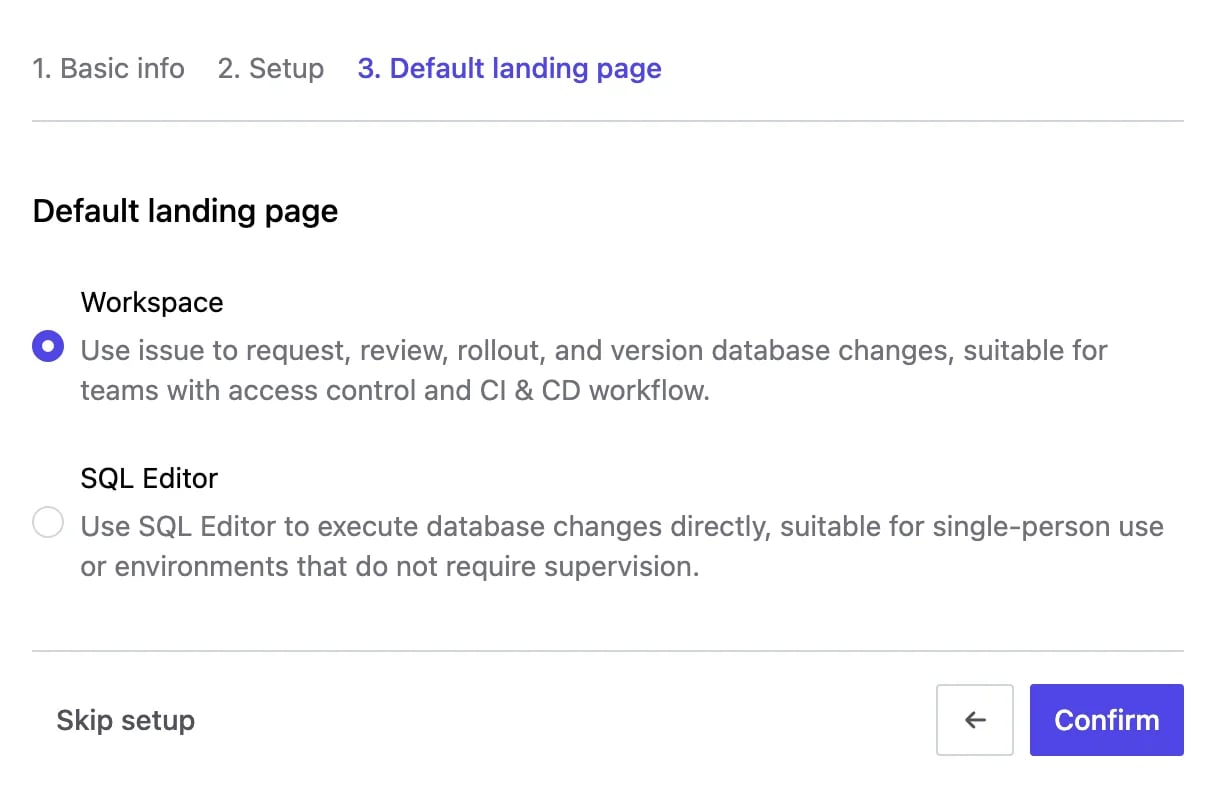
The first registered account is the admin account and will be granted a Workspace Admin role. All following registered accounts will be regular accounts. welcome-page After creating the admin account, Bytebase walks you through a short setup wizard — Basic info, Setup, and Default landing page. In the final step, choose your Default landing page (Database Change Mode): pick Workspace or SQL Editor. Keep the default and you can always change it later. Choose the default landing page
Manage users or members

Bytebase also supports SSO and SCIM (Directory Sync).
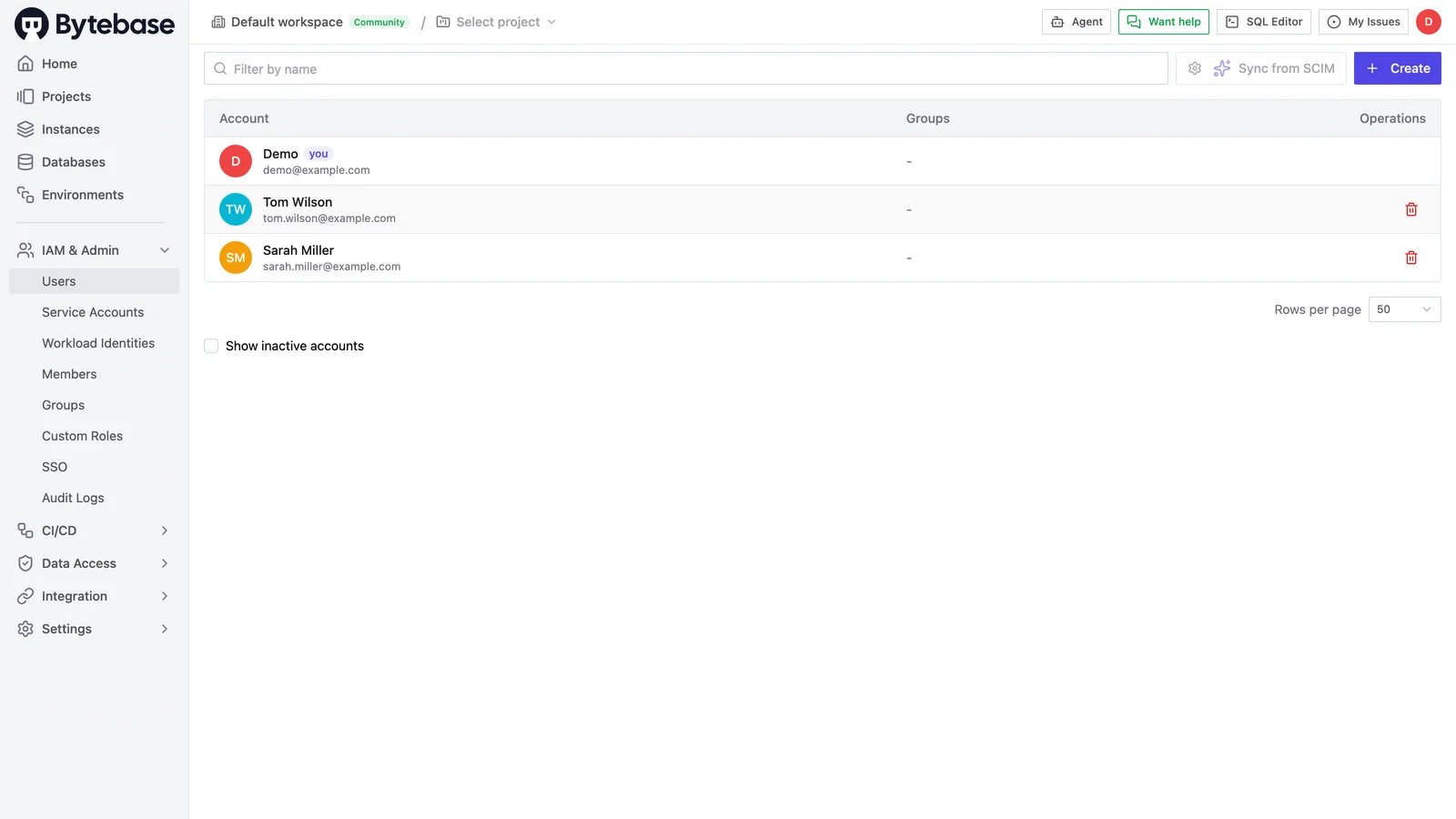
As a Workspace Admin, you can manage all users under IAM & Admin > Users. Click Create on the upper-right to add a user, or click a user row to update their information like email. Groups are managed under IAM & Admin > Groups. Manage users under IAM & Admin