
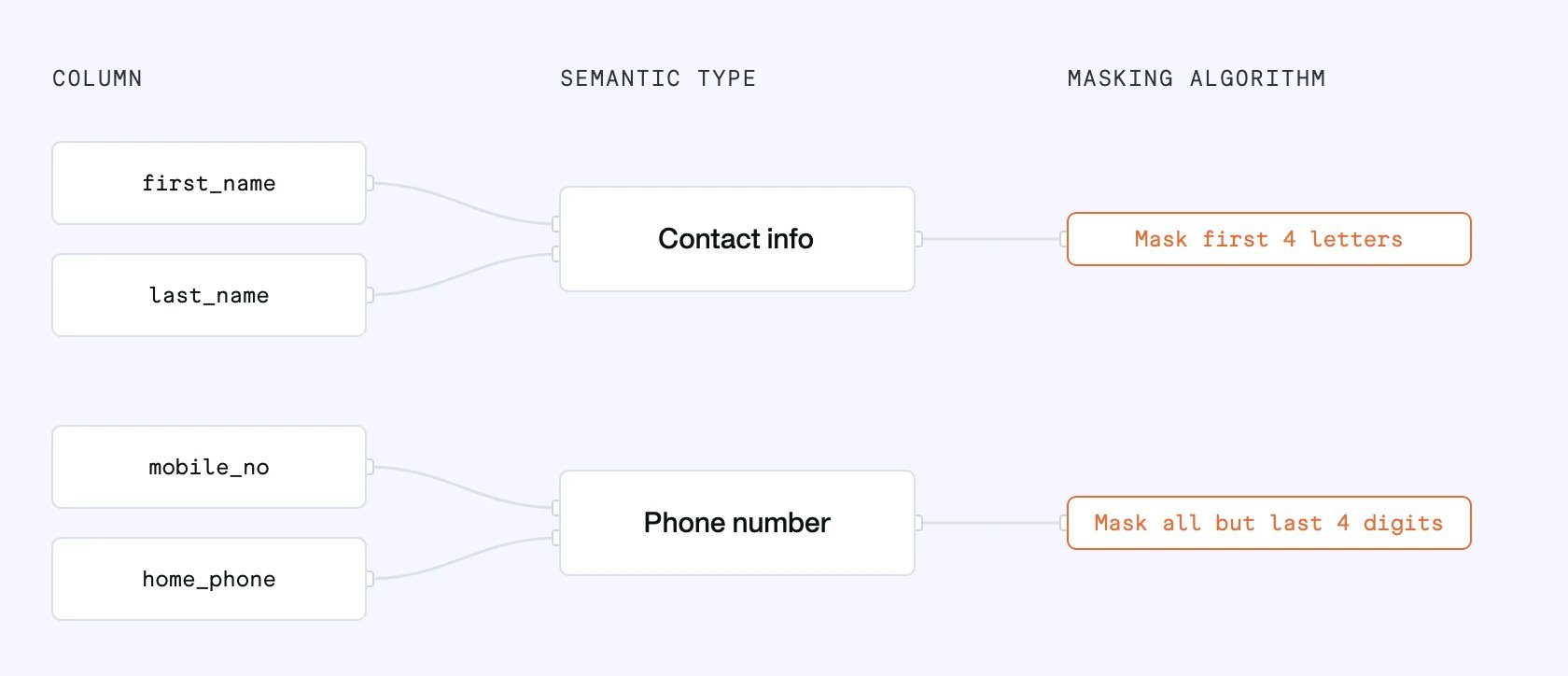
-
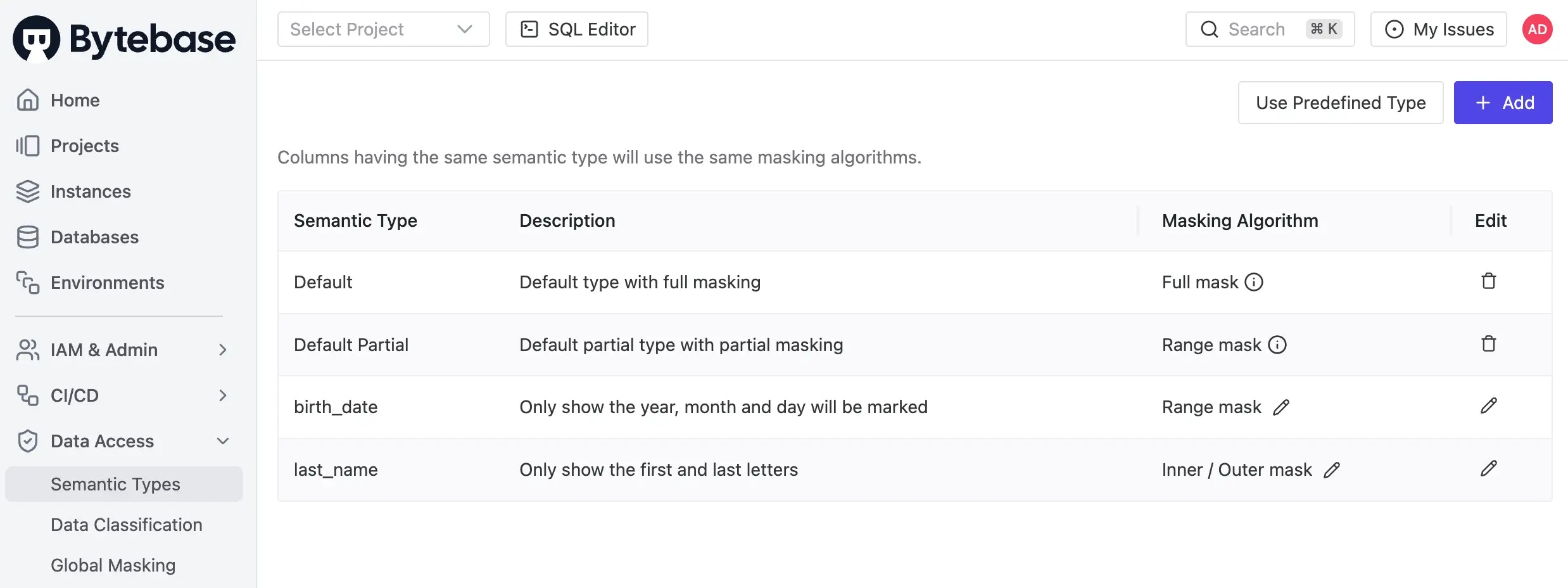
Go to Data Access > Semantic Types. You’ll see the default semantic type
DefaultandDefault Partial. -
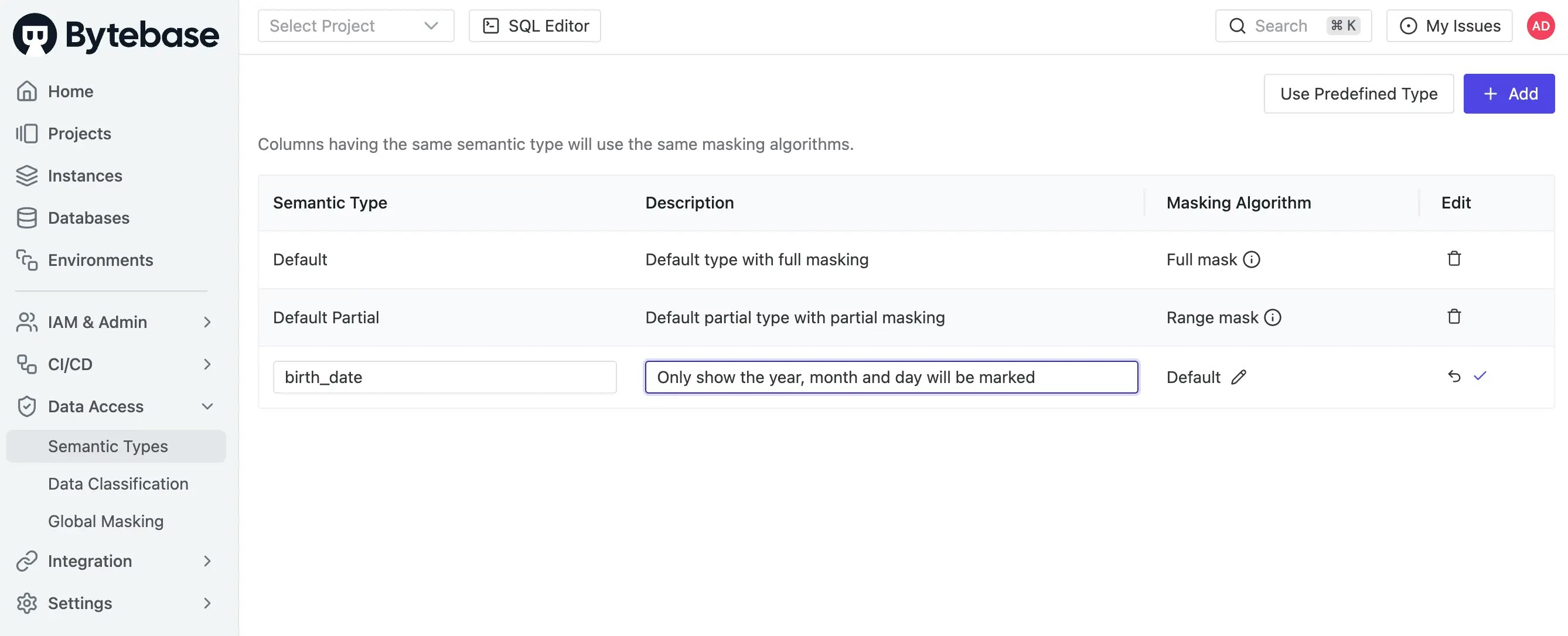
Click Add, and fill in the name and description.
-
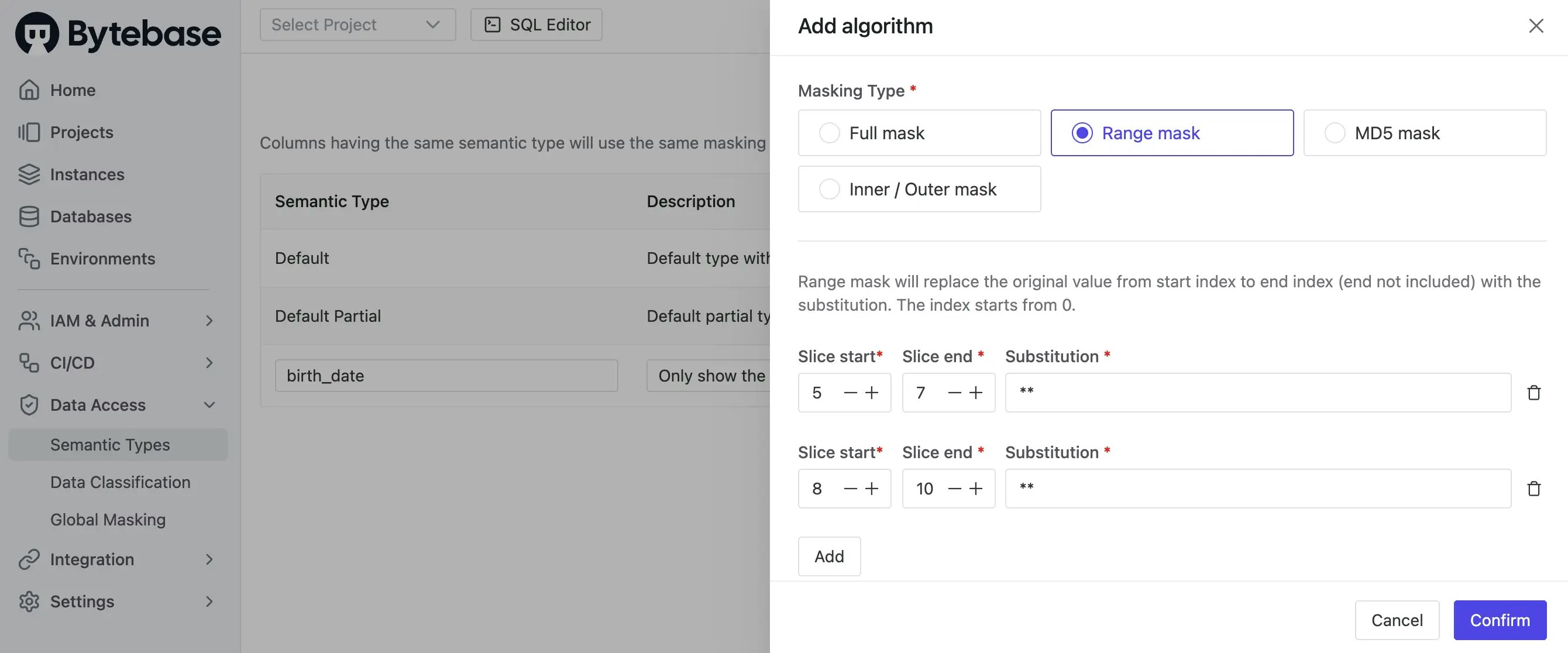
Click the pencil under Masking Algorithm column to attach a masking algorithm. Click the checkmark to save.
-
You may add other semantic types as needed.