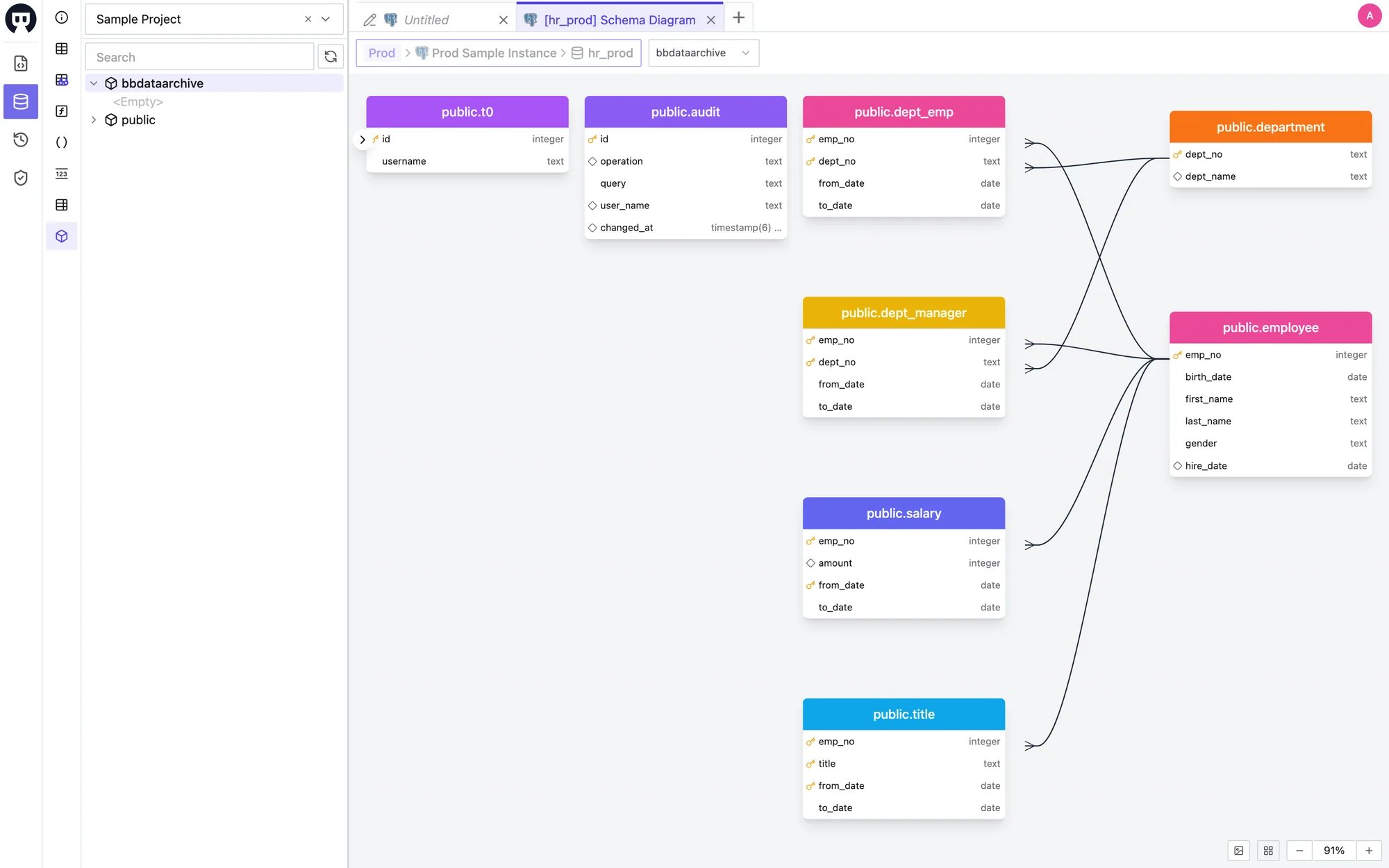
View the Schema Diagram
Open the SQL Editor and connect to a database. In the schema panel on the left, click the Schema Diagram button — the cube icon at the bottom of the action bar. The diagram opens in a new editor tab. On databases that organize objects into schemas (such as PostgreSQL and Oracle), you can also right-click a schema in the tree and choose Schema Diagram.